Turn any outfit photo into a sewing pattern that fits you.
Upload a picture, a screenshot or a Pinterest or Instagram link. Sewly drafts the pattern to your measurements, shows it in 3D in the fabric you love, then prints it at true scale with a sewing guide you can ask questions.
Your pictures stay private and are only used to make your pattern.
- ✓ Free to start, no card
- ✓ Drafted to your measurements
- ✓ A4, US Letter, A3 or A0
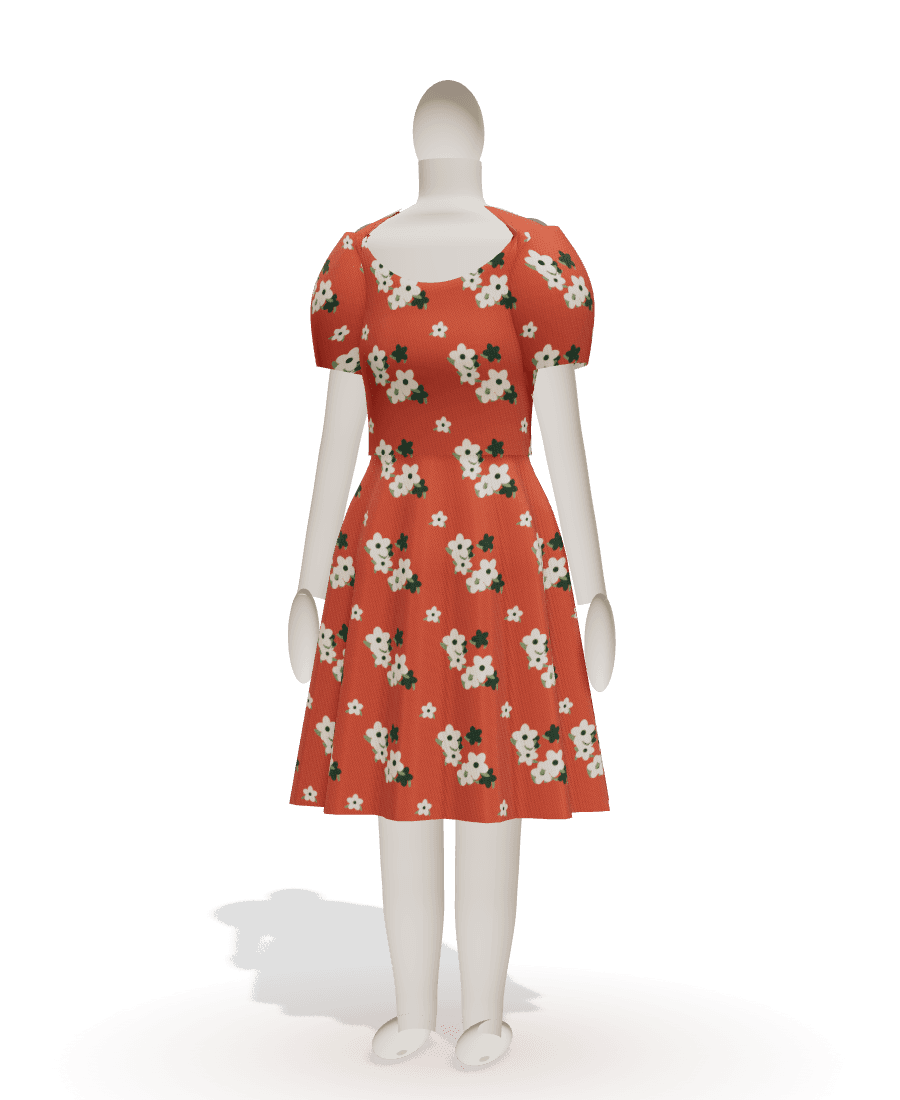
From a photo to a garment in four steps
No pattern-drafting skills, no sizing guesswork. Just the picture of what you want to sew.
- 1
Show what you want to sew
A photo, a screenshot, a Pinterest pin, an Instagram post or a few words. Sewly recognises the garment, its length, neckline, sleeves, fullness and the fabric's colours and print.
- 2
Get a pattern drafted for your body
Enter a few measurements or pick your usual size. Every piece is drafted from proper flat-pattern blocks with the right ease, seam allowances included.
- 3
See it in 3D and make it yours
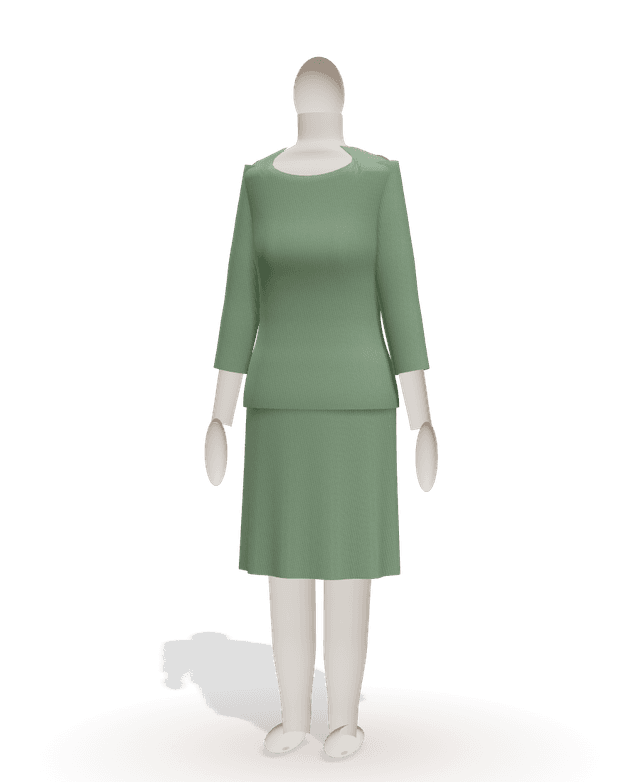
Turn the garment around on a mannequin with your proportions. Change the length, neckline, sleeves or fit by hand or by asking: the pattern redraws instantly.
- 4
Print, cut and sew with the guide
Print on A4, US Letter, A3 or at a copy shop: numbered pages, a test square and a page map. The step-by-step guide answers your questions as you sew.
Every piece, every notch, at true scale
Sewly draws the pieces a pattern maker would: front and back on the fold, sleeves matched to the armholes, facings, waistbands, pockets. With grainlines, notches, darts and labels where you expect them.
- Seam allowances included and adjustable
- Notches that match between pieces
- Fabric quantities for 110, 140 and 150 cm wide fabric
- Notions listed: zip length, elastic, buttons
20 garments, endless variations
Each one adjusts to your measurements and your picture: length, neckline, sleeves, fullness, pockets, closures.
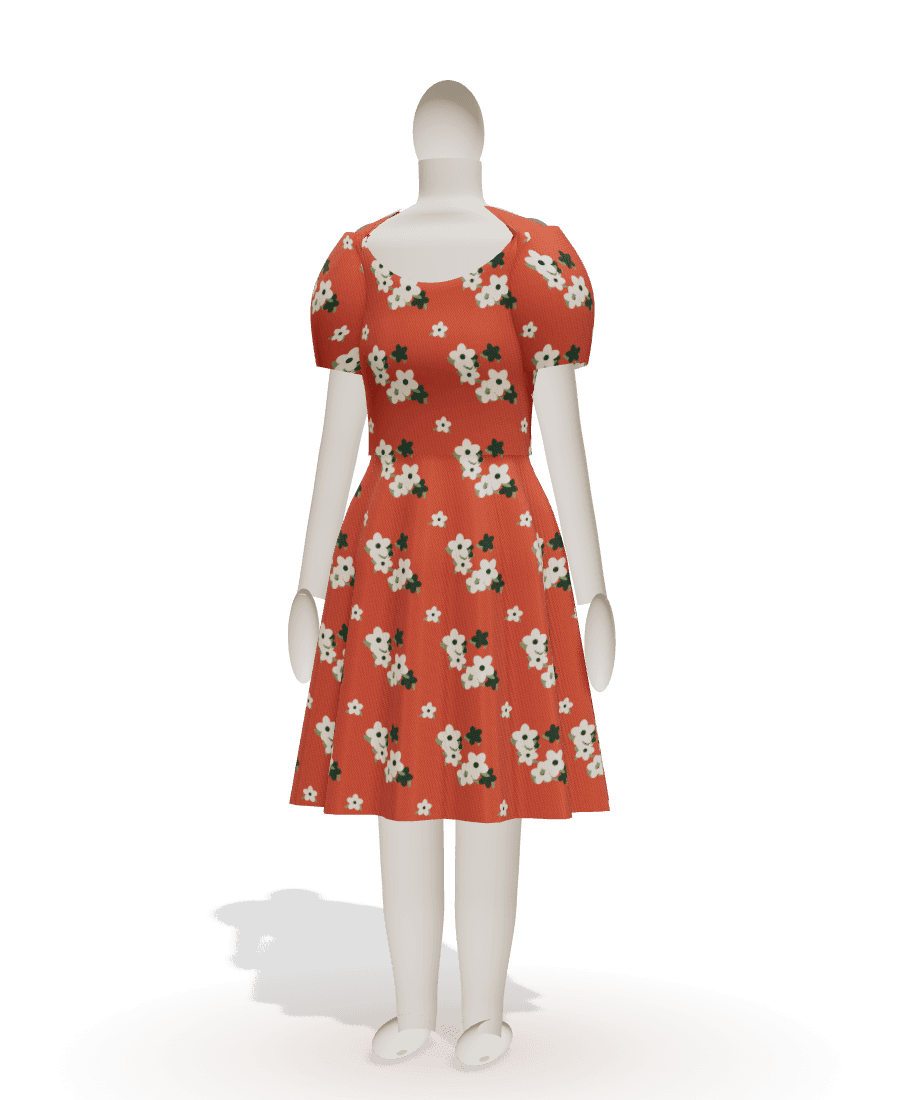
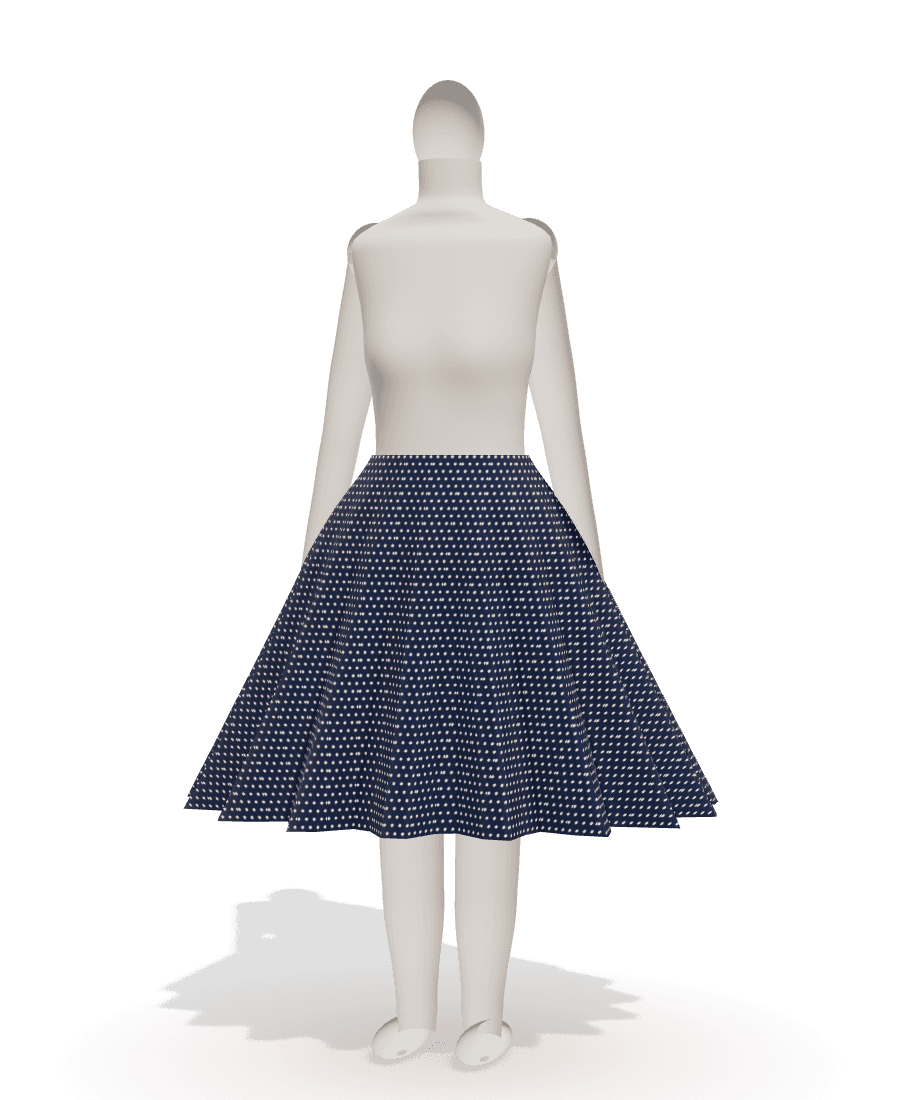
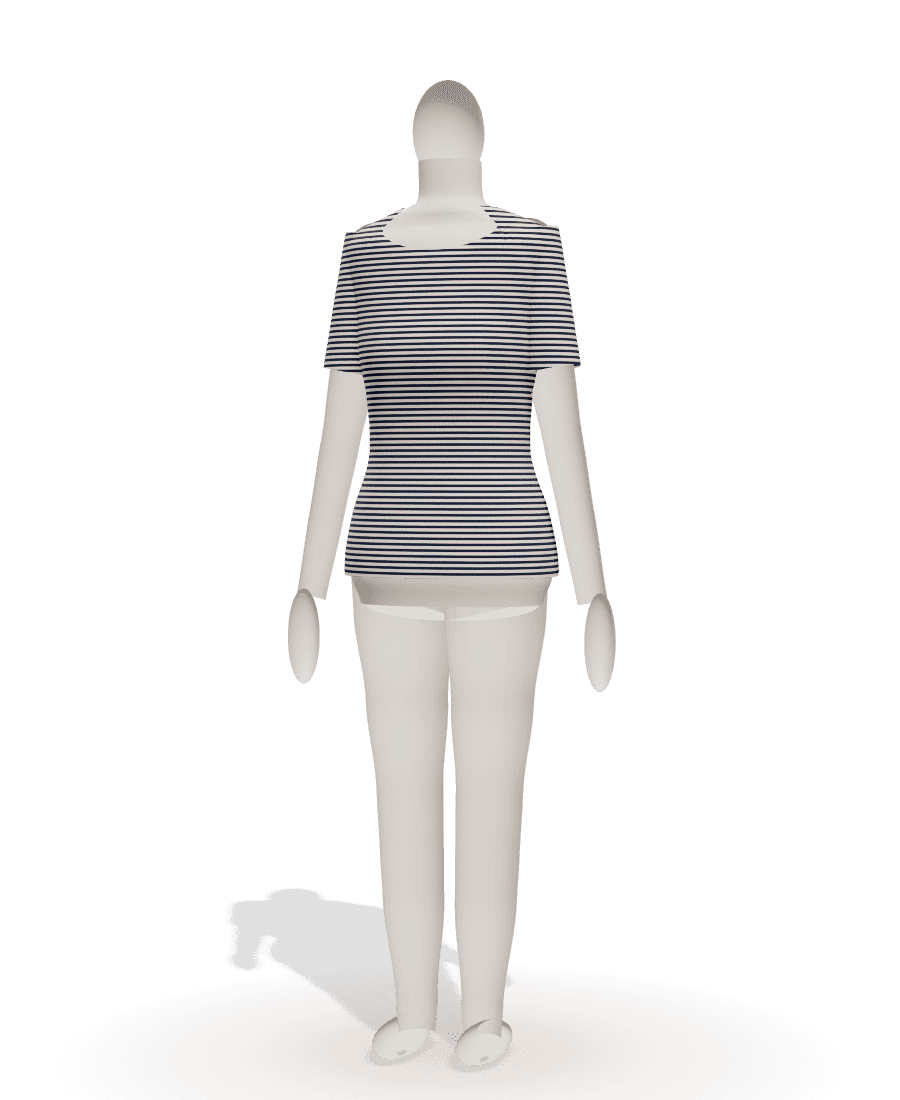

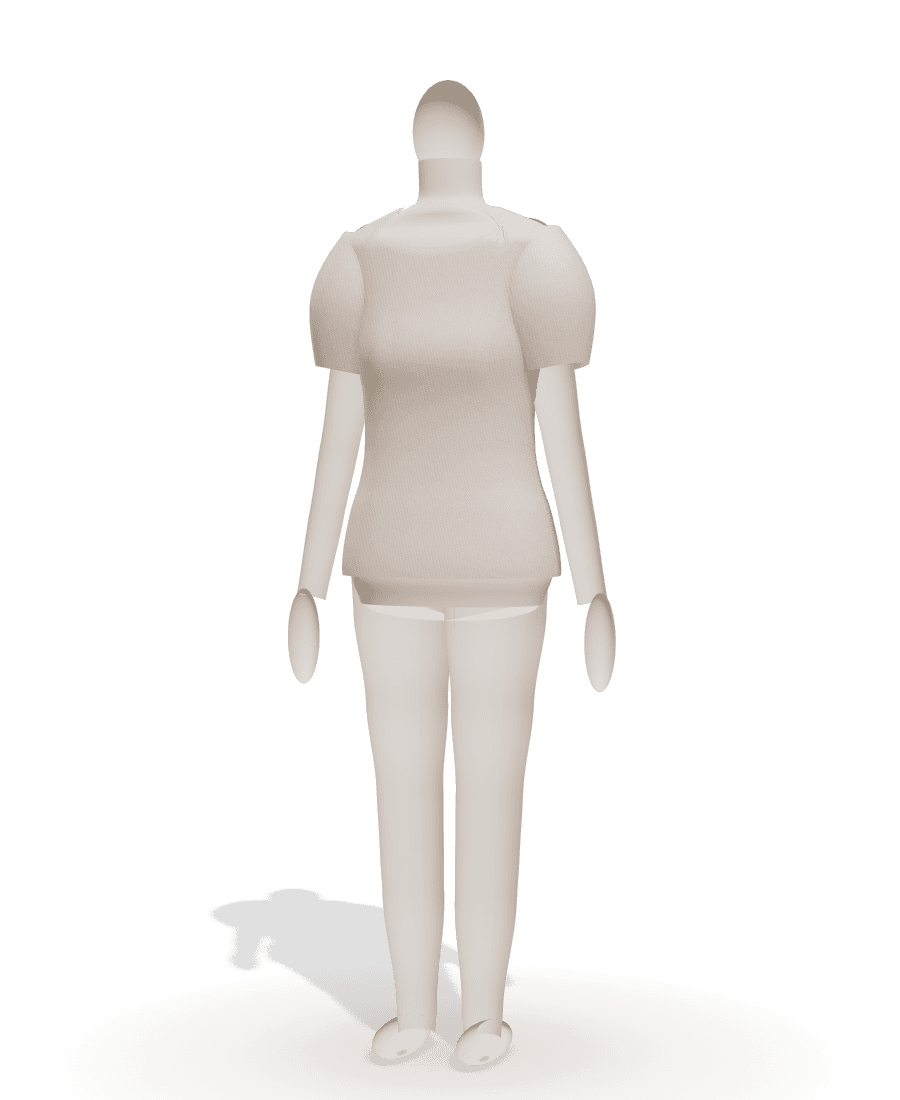
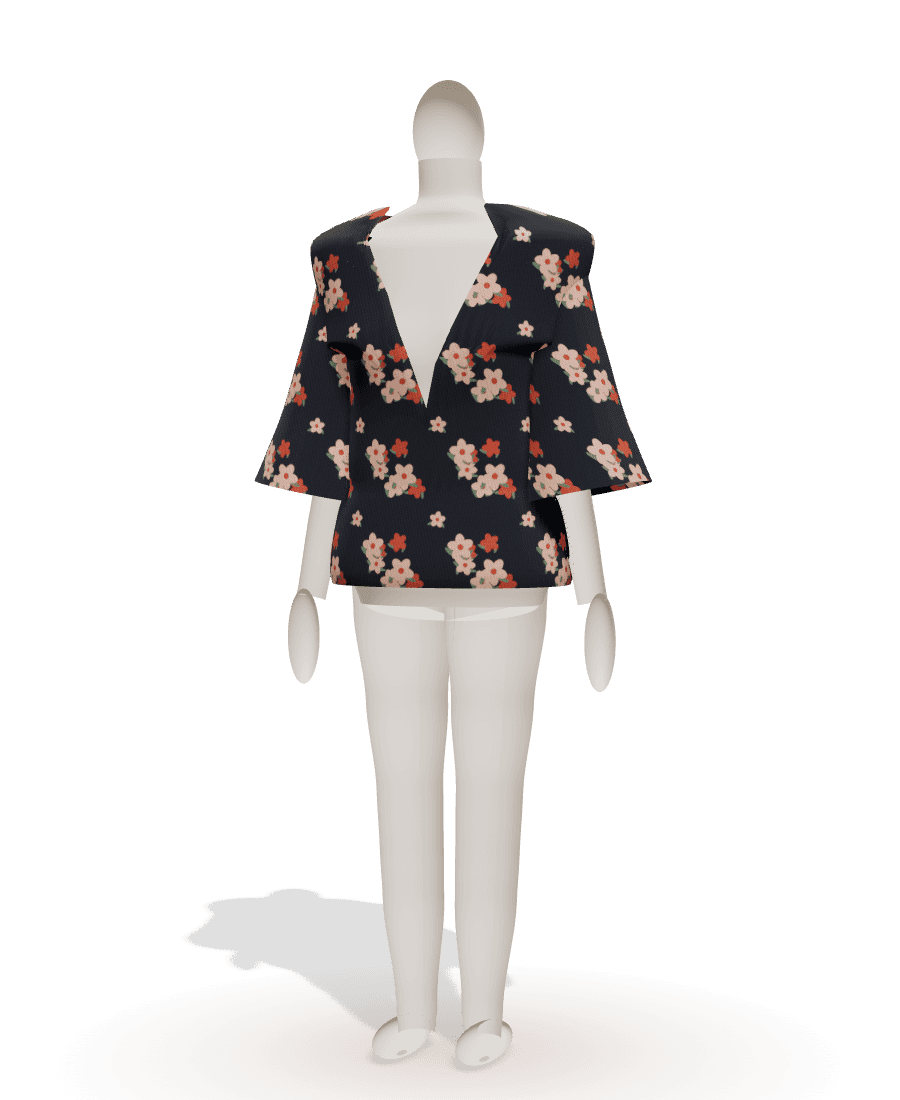
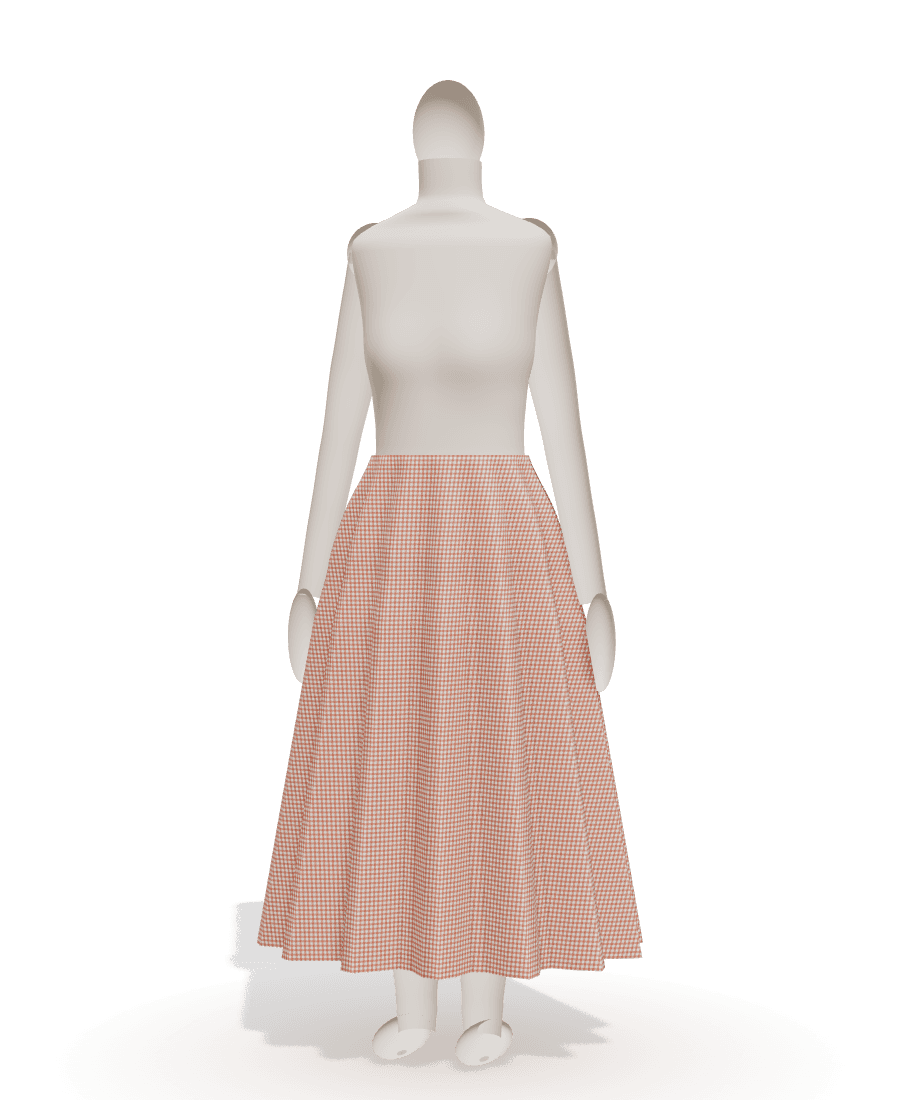
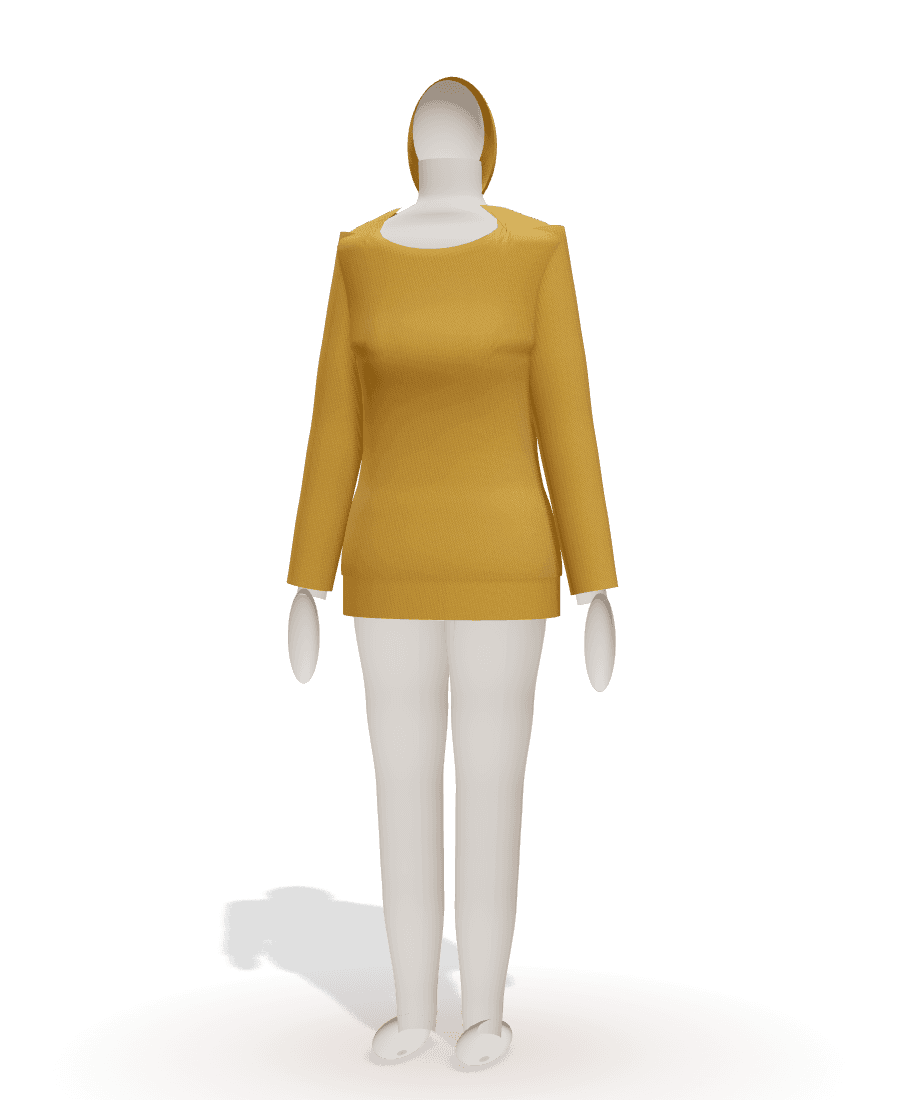
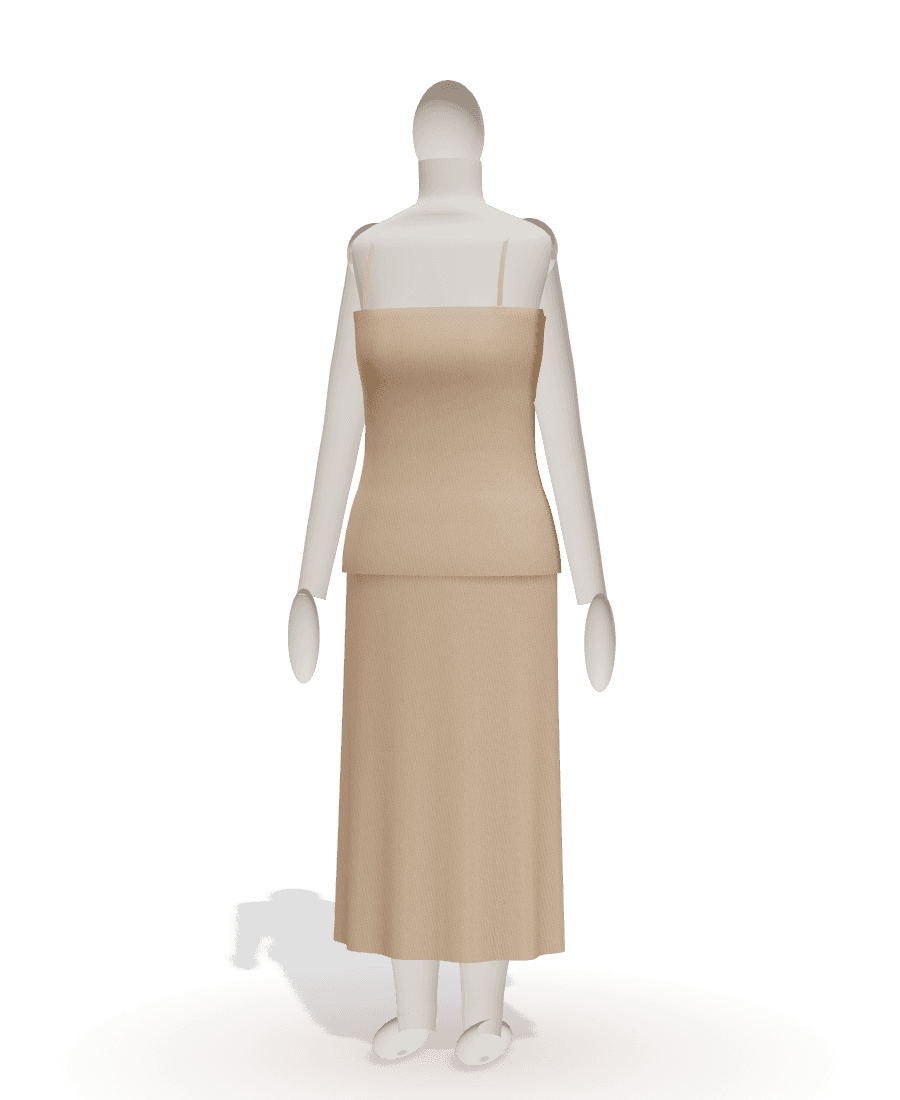
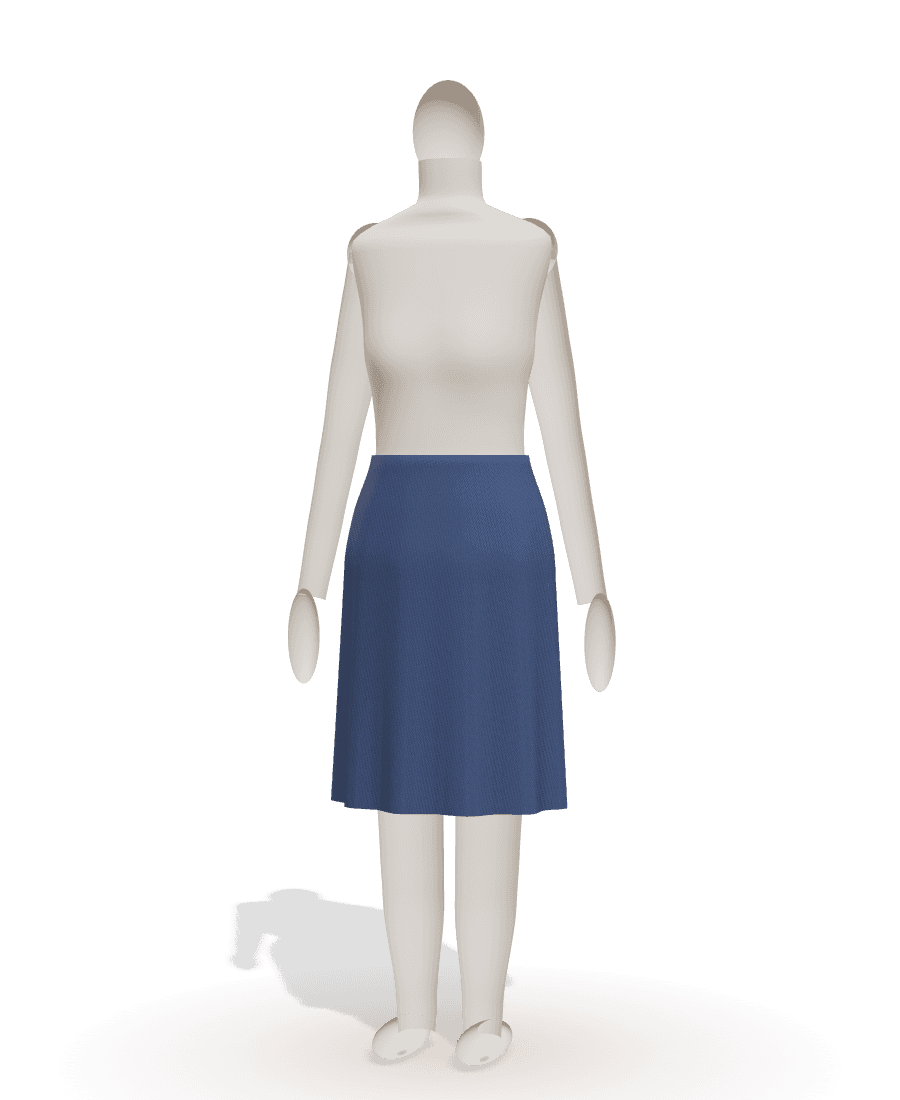
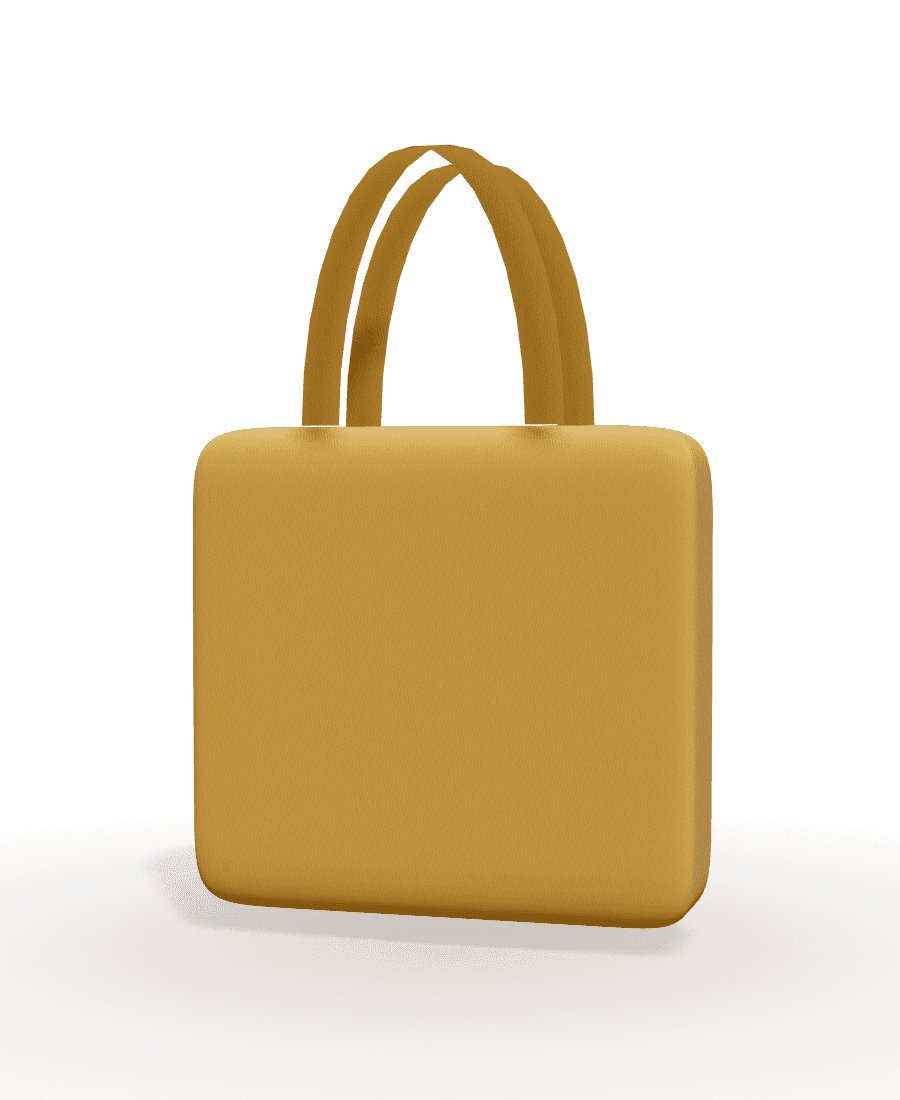
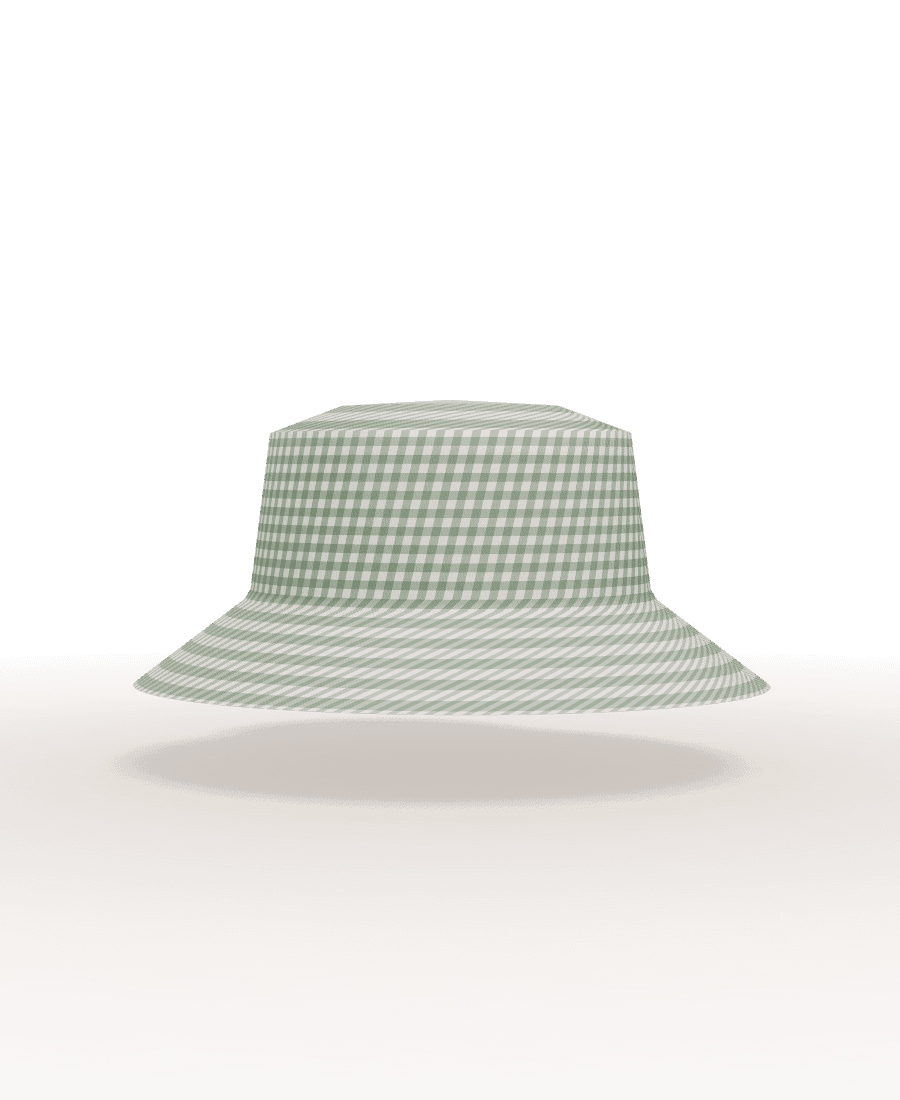
Dresses · Skirts · Tops · Trousers & shorts · Jackets · Bags & accessories · Home
Patterns start from your body, not a size chart
Ready-to-wear sizes fit an average that nobody quite is. Sewly drafts from your own measurements, so the waist sits at your waist and the hem falls where you want it.
- A few numbers are enough: height, bust, waist, hip
- A measuring assistant explains each measurement
- Or start from your usual size: women, men, children
- Save profiles for the people you sew for

On your home printer or at the copy shop
Choose your paper and Sewly lays out the pieces to use as few pages as possible, skips the empty ones and labels every page so assembly is quick.
- A4, US Letter, A3 and Tabloid tiles
- A0 and 36 × 48 in copy-shop sheets
- Projector file for cutting without paper
- Test square, page map and alignment marks
Stuck on a step? Ask.
Each pattern comes with its own sewing guide: the steps of your garment with your options, in order. Ask it anything about your pattern, from what staystitching is to how to handle a slippery fabric.
Learn moreJust bought your first sewing machine?
Start with projects that build confidence: each one has a pattern made for you and a guide that explains every step.


Free to make. Print when you are ready.
Create, fit and preview as many patterns as you like for free. A plan unlocks printing and the PDF guide.
Free
- 3 AI patterns a month from a photo, a link or a description
- 20 AI messages a month (changes and questions)
- Unlimited changes by hand: measurements, length, neckline, sleeves
Maker
Most popular- Print every pattern: A4, US Letter, A3, Tabloid, A0, 36 × 48 in and projector
- Sewing guide as a PDF, with cutting layouts and fabric quantities
- 30 AI patterns and 300 AI messages a month
Atelier
- Everything in Maker
- Unlimited AI patterns and messages (fair use)
- Unlimited measurement profiles
Questions people ask
Can Sewly really make a sewing pattern from a photo?
Yes. Upload a photo or screenshot, or paste a Pinterest or Instagram link, and Sewly's AI recognises the garment and its details (length, neckline, sleeves, fullness, closure, pockets, fabric colours and print). Sewly's drafting engine then draws the pattern pieces to your measurements from proper flat-pattern blocks. You can adjust every detail before printing.
Which garments can Sewly make?
Twenty at launch: A-line, circle, gathered or tiered, pencil and wrap skirts; T-shirts and tanks; woven tops and blouses; sweatshirts and hoodies; shift, fit-and-flare and slip dresses; pull-on trousers and shorts; a kimono jacket; a tote bag, a zip pouch, a bucket hat and a scrunchie; cushion covers and an apron. Sewly does not yet draft tailored jackets, coats, jeans with a fly front, lingerie or swimwear: for those it suggests the closest garment it can make. See all patterns.
How does sizing work?
Sewly drafts to measurements, not to a fixed size. Enter your own (height, bust, waist and hip are enough to start; the measuring guide explains each one) or pick your usual size: women EU 32–54 (US 0–22, UK 4–26), men XS–3XL or children 2–14 years. The pattern adds the right ease for the style, so a fitted dress and an oversized sweatshirt both fit as intended.
Is Sewly free?
Making patterns is free: a free account gets 3 AI patterns and 20 AI messages a month, unlimited changes by hand, the 3D preview and the sewing guide on screen. Printing the pattern needs a plan: Maker at $7.99 a month (or $59 a year) or Atelier at $14.99 a month (or $119 a year). Cancel anytime. See pricing.
How do I print the pattern at the right size?
Choose your paper (A4, US Letter, A3, Tabloid, an A0 or 36 × 48 in copy-shop sheet, or a projector file) and print at 100 % or "Actual size", never "Fit to page". Measure the test square on the first pages: 5 cm and 2 in exactly. Then trim and tape the pages following the page map: rows are letters, columns are numbers. Our guide to printing PDF patterns has the details.
Are seam allowances included?
Yes. Every piece shows the cutting line (solid) and the sewing line (dashed). By default the seam allowance is 1.5 cm (5/8 in) on woven fabric and 1 cm (3/8 in) on knits, with a separate hem allowance; you can change both before printing.
What is the 3D preview?
A mannequin built from your measurements wearing the garment, in a plain colour or the print taken from your picture. It shows the silhouette and proportions (length, fullness, neckline, sleeves) so you can decide before cutting. It is a preview, not a physics simulation of how a particular fabric drapes.
Can I ask questions while I sew?
Yes. Every pattern has its own step-by-step sewing guide, and you can ask it anything about your pattern: what a term means, how to do a step, what to do with a difficult fabric. Answers use your pattern's pieces, allowances and options.
What will you sew next?
Bring the picture. Sewly brings the pattern.
Your pictures stay private and are only used to make your pattern.